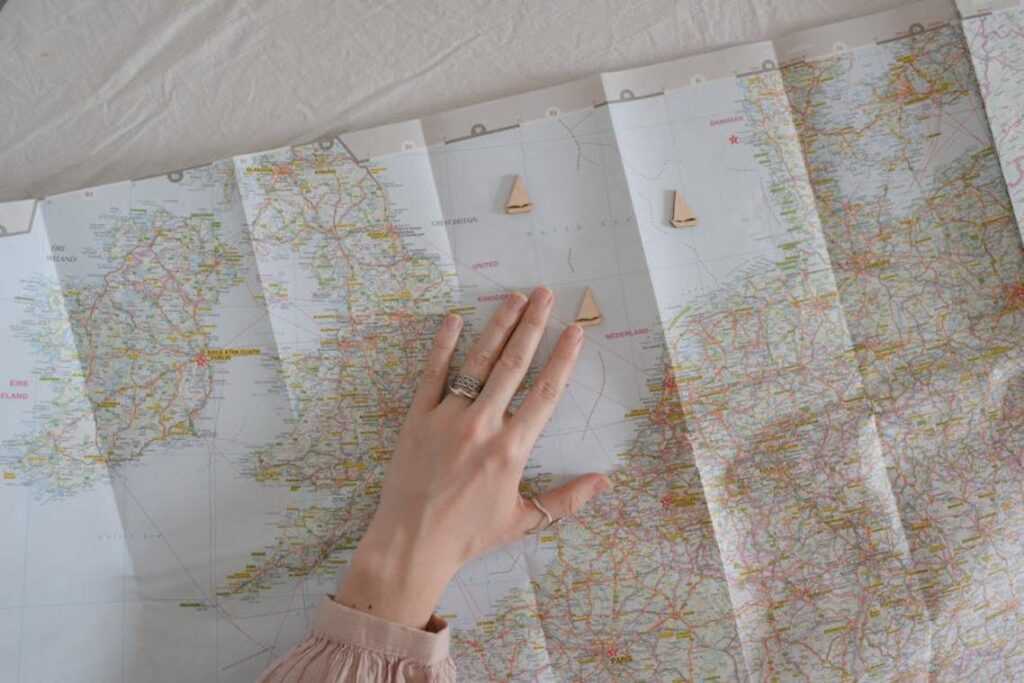
I’ve used default map settings for years and missed countless experiences because of it.
You’re probably here because you’re tired of maps that only care about speed. You want to know where the locals eat. Where the view actually matters. Where you should stop even if it adds 20 minutes to your drive.
Standard maps treat every trip the same. They don’t know if you’re rushing to a meeting or exploring a new city for the first time.
Here’s what I’ve learned: your map can do so much more than show you the fastest route. You just need to know which settings to change.
I’ve spent years testing different map configurations across dozens of countries. I’ve figured out which tweaks actually matter and which ones just clutter your screen.
This guide from ttweakmaps shows you how to turn your map into something that understands how you travel. Not how everyone travels. How you do.
You’ll learn specific adjustments that reveal hidden spots, avoid tourist traps, and give you the context you need when you’re somewhere new.
No complicated tech speak. Just practical changes that make your next trip better.
Beyond Point A to B: Why Default Maps Fall Short for Travelers
You pull up your map app and type in your destination.
Simple enough, right?
But here’s what happens next. The app gives you the fastest route. Maybe an alternate if there’s traffic. And that’s pretty much it.
Now some people will tell you that’s all you need. A map should just get you from where you are to where you’re going. Anything else is overthinking it.
I used to believe that too.
Then I took what the app called a “quick 10-minute walk” in Lisbon that nearly killed me. Turns out those 10 minutes included a 200-foot elevation gain up cobblestone stairs. The app didn’t mention that part.
Here’s the real problem with default maps.
They treat everyone the same. A tourist looking for the scenic route gets the same directions as someone rushing to a meeting. A solo traveler walking at night gets the same path as a family strolling at noon.
Your map doesn’t know you want to avoid highways. It doesn’t care that you’d rather walk through the old quarter than take the direct route along a busy road. And it definitely won’t warn you about that “shortcut” through an area that feels sketchy after dark.
I’ve been using Ttweakmaps to figure this stuff out. The difference comes down to one thing: layers.
Most people never touch their map settings. They just accept whatever the algorithm shows them. But when you start adding and removing information based on what you actually need, something changes.
You’re not following a generic route anymore. You’re building a map that works for your trip.
Core Tweak #1: Curating Your World with Custom Points of Interest (POIs)
Your map probably looks like a mess right now.
Pins everywhere. ATMs you’ll never use. Post offices that don’t matter. Random landmarks cluttering up what should be a clean view of your trip.
I see this all the time with travelers who download a map guide ttweakmaps and think more information is better. It’s not.
The first thing I do? I hide everything that doesn’t serve my trip.
Filtering Out the Digital Noise
Start by turning off entire POI categories. You don’t need to see every ATM or gas station when you’re planning a walking tour of Rome. Just toggle them off.
This alone clears up about 70% of the visual clutter.
But here’s where it gets interesting. Once you’ve stripped away the noise, you can build your own system.
Creating Your Personal Legend
Forget the default icons. They’re generic and they all look the same after a while.
I create custom POI categories for every trip. “Best Photo Spots” gets a camera icon in bright orange. “Local Markets” gets a basket in green. “Must-Try Gelato” gets its own color because priorities matter. With Ttweakmaps, I can effortlessly create custom POI categories for every adventure, ensuring that each unique spot—like the vibrant orange camera icon for “Best Photo Spots” or the inviting green basket for “Local Markets”—reflects my priorities and enhances my travel experience. With Ttweakmaps, I can effortlessly create custom POI categories for every adventure, ensuring that each trip is uniquely tailored to my interests and priorities.
You’re not just marking locations anymore. You’re building a visual story of what you actually care about.
And once you start thinking this way, planning becomes faster. You open your map and instantly see what’s important.
Importing Curated Lists
Now here’s what most people don’t know.
You can skip the manual work entirely. If someone already made a list of the best coffee shops in Barcelona or hiking trails in Patagonia, you can import that whole thing in seconds.
Spreadsheets work. Travel blog exports work. Even shared lists from friends.
You’re not starting from scratch. You’re standing on the shoulders of people who already did the research. Then you customize from there based on what you actually want to see.
Core Tweak #2: Visualizing the Journey with Smart Data Layers
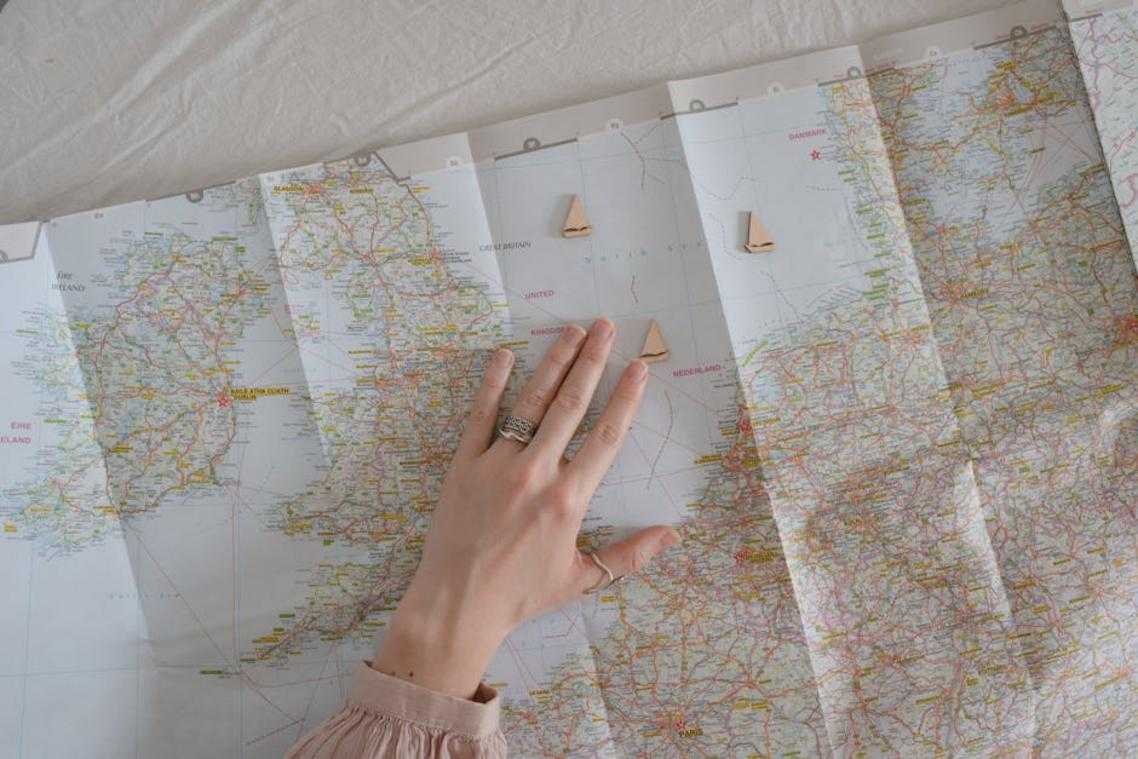
Most people open their map app and see the same basic view.
Streets. Buildings. Maybe some traffic colors.
But you’re missing half the story.
I’m talking about the layers sitting right there in your settings that nobody bothers to turn on. The ones that can tell you if that scenic walk you planned is actually a thigh-burning climb or a gentle stroll.
Let me show you three tweaks that changed how I move through cities.
The Topography & Elevation Layer
Remember that scene in The Lord of the Rings where they’re just casually walking to Mordor? Yeah, nobody warned them about the elevation either.
I learned this the hard way in San Francisco. Planned a morning walk that looked like 20 minutes on the map. Turned into a 45-minute cardio session because I didn’t check the hills.
Now I always flip on the elevation layer before I commit to anything. You can spot those killer inclines before your calves do. Or if you’re into that sort of thing, find the best viewpoints by looking for the high points.
Works great for biking too. Match the route to what your legs can actually handle.
The ‘Local Vibe’ Heatmap The ideas here carry over into Map Ttweakmaps, which is worth reading next.
This one’s sneaky good.
Instead of scrolling endlessly through reviews, you can see where people actually gather. The map guide ttweakmaps by traveltweaks approach shows you density patterns for cafes, music venues, or parks.
Want the quiet neighborhood with green spaces? There it is in green clusters. Looking for nightlife? The red zones tell you exactly where to book your hotel.
No guessing. No wandering into a dead zone and wondering where everyone went.
The Real-Time Transit Overlay
Here’s where it gets practical.
You can layer bus and subway lines right onto your street view. See departure times without jumping between apps. Plan a walk to the metro, then a bus connection, all in one screen. With The Map Guides Ttweakmaps, navigating your city’s public transport becomes effortless, allowing you to seamlessly layer bus and subway lines onto your street view while checking departure times and planning your route—all on a single screen. With The Map Guides Ttweakmaps, users can effortlessly navigate their city’s transit system by integrating bus and subway lines directly into their street view, making travel planning a breeze.
I used this in Tokyo (where the transit system makes zero sense to outsiders) and it saved me hours of confusion. The trains were right there on my map with live updates.
One view. Multiple transport options. No app switching while you’re standing on a corner trying to figure out which direction to walk.
These aren’t hidden features. They’re just sitting there waiting for you to turn them on.
Core Tweak #3: Mapping Your Time with Itinerary-Aware Adjustments
I learned this one the hard way in Prague.
I’d mapped out this perfect morning route. Five stops, all within walking distance. I was feeling pretty good about myself until I showed up at the first museum at 9 AM.
Closed on Tuesdays.
The second spot? Didn’t open until noon. By the time I figured out what was actually open, I’d burned two hours wandering around frustrated.
That’s when I started building time awareness into the Map Guides Ttweakmaps.
Here’s what actually works.
Add opening hours to every POI. The map greys out closed locations in real time. You see at a glance what’s available right now and what you need to save for later.
For photographers, I added something extra. A sunlight path overlay shows you exactly where the sun will be at any hour. You can plan to hit that viewpoint at golden hour instead of showing up at noon when the light’s flat and boring.
But the real game changer? Travel time buffers.
The system calculates how long it takes to get between stops. Set it up right and you’ll get alerts when it’s time to leave for your next destination. No more rushing. No more showing up late because you didn’t account for that 20-minute walk.
Your itinerary stops being this rigid thing you’re always behind on. It becomes something that actually moves with you through the day.
Advanced Hacks: Offline Functionality and Collaborative Planning
You’re standing in the middle of nowhere and your phone has no signal.
Your carefully planned route? Gone. Those restaurant recommendations you saved? Can’t access them.
This happens more than you’d think. Even in 2024, cell coverage isn’t everywhere.
The good news is you can download your entire customized map before you leave. I’m talking about everything. Your saved spots, your custom layers, all of it.
Here’s how it actually works.
Open your map guide ttweakmaps and select the area you need. Don’t just grab the city center. Download a wider radius than you think you’ll need because you will wander off course.
The map saves to your device and works without any connection. Your battery lasts longer too since your phone isn’t constantly searching for signal.
Now let’s talk about planning with other people.
Solo travel is great but most trips involve at least one other person. And coordinating with friends or family usually means a mess of text threads and conflicting bookmarks.
Share your map instead. Everyone can drop pins on places they want to visit. Someone finds a coffee shop worth checking out? They add it right there. No screenshots or forwarding links.
You all see the same map with real-time updates. One version that everyone works from.
Here’s something most people don’t think about until it’s too late.
Some neighborhoods aren’t safe. Or maybe there’s construction you want to avoid. You can draw zones directly on your map and mark them as no-go areas. To navigate safely through urban landscapes and avoid potential hazards, make sure to check out the Map Guide Ttweakmaps by Traveltweaks, which allows you to highlight no-go zones directly on your map. To navigate safely through urban landscapes and avoid potential hazards, make sure to check out the Map Guide Ttweakmaps by Traveltweaks, which allows you to seamlessly draw no-go zones and stay informed about unsafe neighborhoods and construction areas.
Your routing adjusts automatically. The map suggests paths that keep you clear of those spots without you having to think about it every time.
Your Map, Your Adventure
You came here to make your digital maps work harder for you.
Generic directions don’t cut it anymore. You need a map that actually understands where you’re going and what you need along the way.
I’ve shown you how to transform any basic map into something that fits your travel style. These tweaks turn a simple navigation tool into a real travel companion.
The framework is yours now. You can build maps that anticipate your stops, highlight what matters to you, and adapt as your plans change.
No more settling for routes that miss the good stuff or ignore your preferences.
Here’s what to do: Pick your next trip and start customizing your map guide ttweakmaps. Add your must-see spots. Layer in your timing. Build something that actually serves your adventure.
The difference shows up fast. You’ll move through new places with confidence because your map speaks your language.
Your next journey deserves better than default settings. Start tweaking and see how much smoother travel becomes.