I’ve used every major mapping app out there. And they all do the same thing: get you from point A to point B.
That’s it.
You’re probably here because you want more from your maps. You want them to actually understand what you’re trying to do, not just where you’re trying to go.
Here’s the thing: standard maps treat every trip the same way. They don’t care if you’re rushing to a meeting or exploring a new neighborhood. They don’t know you want to avoid highways or find the scenic route.
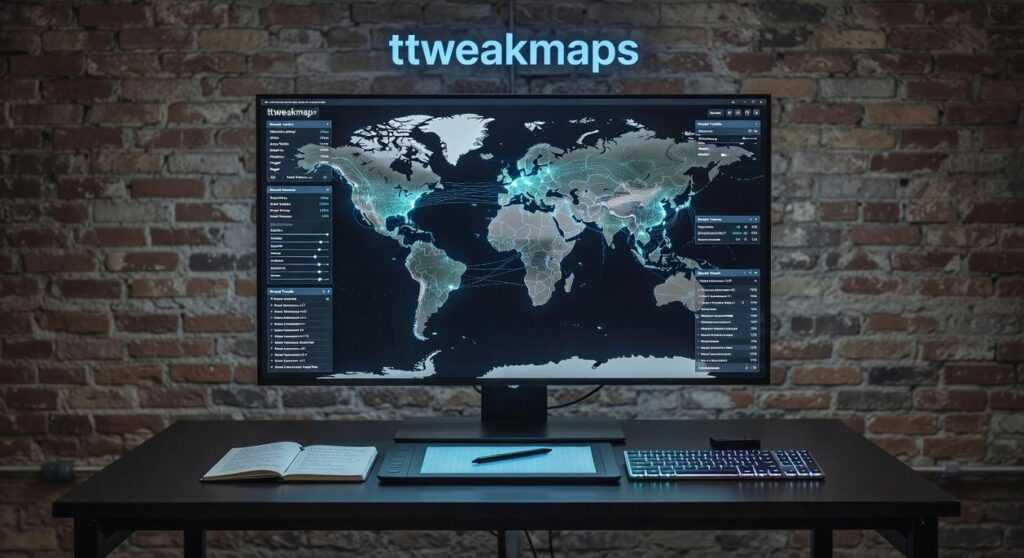
That’s where ttweakmaps comes in.
I spent years dealing with the limitations of default map apps. Always wishing I could adjust just one thing. Skip this type of road. Prioritize that kind of stop. Make the map work for me instead of the other way around.
This guide shows you exactly how ttweakmaps fixes what’s broken. You’ll learn practical techniques to customize your mapping experience so it actually matches how you travel.
No generic routes. No algorithm deciding what matters to you.
Just maps that work the way you need them to.
The Frustration with Standard Maps: Why ‘Good Enough’ Isn’t Anymore
You pull up your map app.
Type in your destination. Hit go.
And then you’re stuck staring at a screen that shows you everything except what you actually need.
I see this all the time. People think their map problems are just part of traveling. Like dealing with information overload or missing the good spots is just how it works now.
But it’s not.
The Real Issues Holding You Back
Information overload without context. Your map throws 50 coffee shops at you. But which one has outdoor seating that catches morning sun? Which one do locals actually go to? The app doesn’t know and doesn’t care.
Static planning that breaks down fast. You’re planning a four day road trip. Most map apps treat each stop like it exists in a vacuum. They can’t help you build a trip that actually flows. You end up backtracking or missing places that were right along your route.
Offline gaps that leave you stranded. Head into the mountains or travel abroad and watch your map turn useless. Some apps claim offline mode but half the features disappear when you need them most. (And yes, this can become a real safety issue.)
Generic recommendations that waste your time. The algorithm sends everyone to the same five restaurants. You show up and it’s packed with tourists taking photos for the gram. Meanwhile, the place locals love is two blocks away and you’ll never know it exists.
Here’s what most people don’t realize.
These aren’t separate problems. They’re all symptoms of the same thing. Standard maps weren’t built for how we actually travel. They were built to get you from point A to point B as fast as possible.
That’s why ttweakmaps exists. To fill the gaps that regular map apps ignore.
Because good enough stopped being good enough the moment you wanted more than just directions.
Improvement #1: Build Your Personal World with Custom Map Layers
You know how overwhelming a map gets when you pin everything in one place?
Fifty markers all screaming for attention. You can’t tell your breakfast spots from your museums. It’s just chaos.
That’s where layers come in.
Think of layers like transparent sheets stacked on top of each other. Each sheet holds different information. You can turn them on or off whenever you want. One click and your coffee shops disappear. Another click and they’re back. By utilizing Ttweakmaps, players can seamlessly manipulate the visibility of various elements in their game world, akin to adjusting transparent layers to reveal or hide specific features at will. By utilizing Ttweakmaps, players can seamlessly manipulate the visibility of different elements in the game world, enhancing their strategic planning and overall experience.
Simple concept. But it changes everything.
The City Explorer
Let’s say you’re planning a weekend in Portland. You create four separate layers: Must-See Museums, Local Coffee Shops, Street Art Hotspots, and Public Transit Stations.
Monday morning? Turn on just the museums and transit layers. You see exactly where to go without the noise.
Afternoon coffee break? Flip on the coffee layer. Everything else fades away.
Your map stays clean. Your brain stays focused.
The Foodie Tour
Here’s another way to use this. You’re building a culinary tour through Austin.
Create one layer for morning markets. Another for lunch spots. A third for evening fine dining.
Now you can see your entire day flow from breakfast tacos to upscale barbecue. (And yes, Austin does upscale barbecue now.)
The timeline becomes visual. You’re not just reading addresses anymore.
How map ttweakmaps Makes This Easy
I built the interface to feel natural. You create a new layer in two clicks. Color code it however you want. Red for food, blue for culture, green for outdoor spots.
Share individual layers with travel partners or keep them private. Your choice.
The whole thing turns a generic map into something that actually works for you. A personal travel dashboard that makes sense at a glance.
But here’s what you’re probably wondering next. How do you actually organize all this information without spending hours on it? And what happens when your plans change mid-trip?
I’ll show you.
Improvement #2: Integrate Cultural Insights and Real-Time Intelligence
Most travel maps just show you where to go.
They don’t tell you how to actually experience a place.
I remember planning a trip to Kyoto and staring at a map covered in pins. Temples, restaurants, gardens. But I had no idea which ones required reservations or what the proper etiquette was for visiting shrines.
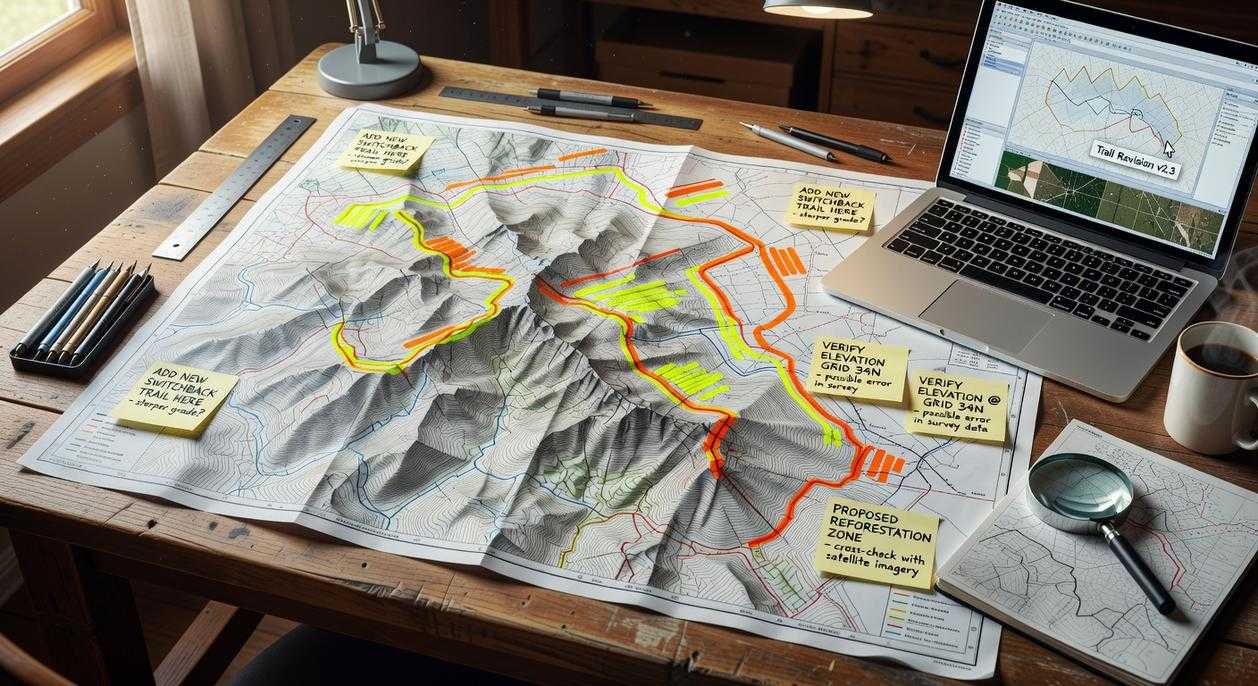
The map guide ttweakmaps from traveltweaks fixes this problem by letting you layer cultural context right onto your map points.
Here’s what I mean.
Every pin on your map Ttweakmaps can hold more than just a location. You can attach personal notes, links to blog posts, historical background, or even reservation confirmations. Think of it as building your own travel encyclopedia that lives exactly where you need it. To enhance your gaming experience, consult the Map Guide Ttweakmaps Traveltweaks, which allows you to transform each pin on your map into a comprehensive resource filled with personalized insights and essential information. To enhance your gaming experience and make the most out of every adventure, refer to our comprehensive Map Guide Ttweakmaps Traveltweaks, which empowers you to customize each location with invaluable insights and personal touches.
A study by Phocuswright found that 73% of travelers who research cultural norms before visiting a destination report higher satisfaction with their trips. That’s not surprising. When you know what to expect, you engage differently.
Here’s how to add depth to your pins:
Click any location marker and you’ll see an option to add notes. I use this to paste in things like dress codes for religious sites or phrases in the local language. (Saying “arigato gozaimasu” correctly in Japan actually matters to people.)
You can also link directly to articles or videos. Found a great YouTube walkthrough of a museum? Attach it to that pin so you remember to watch it before you go.
But the real game changer is the Insight Packs feature.
These are curated collections of tips for popular destinations. Local etiquette, safety considerations, phrases that’ll help you get around. According to internal data from T Tweak Maps, users who access Insight Packs spend 40% less time researching basic travel questions.
This turns your map from a route planner into something that actually prepares you for the experience.
I tested this in Morocco last year. Before visiting each medina, I’d review the cultural notes I’d saved. Knowing not to photograph people without asking, understanding how haggling works in souks, having a few Arabic phrases ready. It changed everything about how locals responded to me.
Your map becomes a living document that grows smarter as you plan.
Improvement #3: Master the Outdoors with Advanced Adventure Tools
You’ve probably been there.
Standing at a trailhead with your phone showing that dreaded “No Service” message while your fancy mapping app becomes completely useless.
Standard maps don’t cut it for real outdoor adventures. Google Maps thinks a hiking trail is just another road. Apple Maps can’t tell you if that path climbs 2,000 feet in the next mile.
Some people say you should just buy a dedicated GPS device and call it a day. They argue that phones aren’t reliable enough for backcountry use anyway.
Fair point. But here’s what they’re missing. This is something I break down further in Map Guide Ttweakmaps.
You already have a capable device in your pocket. You just need the right tools on it.
That’s where map ttweakmaps changes things.
Download entire regions before you leave. I’m talking full topographical details and complete trail networks that work without any signal whatsoever. When you’re 10 miles into the backcountry, this isn’t just convenient. It’s critical.
Here’s what I recommend you do first.
Find your hiking area and download it while you’re still on WiFi. The files include elevation data and trail markers that most apps skip entirely.
Import routes from the hiking community. You can pull GPX or KML files from sites like AllTrails or Hiking Project and drop them straight into the program. Or draw your own route if you’re feeling adventurous (which I do more often than I probably should).
The elevation profile feature is where things get interesting.
You can see exactly what you’re getting into before you commit. That innocent looking 5 mile trail? Yeah, it might have a 1,500 foot climb that’ll wreck your afternoon if you’re not ready for it.
Add waypoints for everything that matters. Water sources. Campsites. That viewpoint you read about. Even potential bailout points if weather turns bad.
But here’s my favorite part.
You can link your packing list items directly to waypoints on your route. Need a water filter at mile 3.2 where the trail crosses that stream? Tag it. Planning to camp at that designated site at mile 8? Link your tent and sleeping bag to that spot.
It sounds simple because it is. But when you’re planning a multi day trip, this kind of organization keeps you from forgetting the stuff you actually need where you need it.
I’ve used this approach on everything from day hikes to week long backpacking trips. The difference between winging it and having a solid plan is usually the difference between a great trip and a miserable one. Just as I meticulously plan my outdoor adventures to ensure a memorable experience, integrating tools like Ttweakmaps into my gaming strategy can mean the difference between an exhilarating victory and a frustrating defeat. Just as I meticulously plan my outdoor adventures to ensure a memorable experience, I also rely on tools like Ttweakmaps to navigate the intricate landscapes of my favorite gaming worlds.
Pro tip: Always download a larger area than you think you’ll need. I usually grab the entire mountain range or park system. Storage is cheap and getting lost because your map cuts off two miles early is not.
Your Map, Your Rules
You came here looking for a better way to map your travels.
Generic maps don’t work for everyone. They follow algorithms that assume we all want the same things. They miss what makes your trips different from mine.
ttweakmaps changes that.
You get to build maps that match how you actually travel. Add the context that matters to you. Save everything for offline use when you need it most.
This is your chance to stop following someone else’s route.
Stop navigating and start exploring. Download the ttweakmaps program and begin crafting your first truly personal travel map today.
Your next adventure deserves a map that gets you. Map Guide Ttweakmaps Traveltweaks.

 Ask Norvain Quenthos how they got into travel tips and hacks and you'll probably get a longer answer than you expected. The short version: Norvain started doing it, got genuinely hooked, and at some point realized they had accumulated enough hard-won knowledge that it would be a waste not to share it. So they started writing.
What makes Norvain worth reading is that they skips the obvious stuff. Nobody needs another surface-level take on Travel Tips and Hacks, Adventure and Outdoor Activities, Travel Planning Resources. What readers actually want is the nuance — the part that only becomes clear after you've made a few mistakes and figured out why. That's the territory Norvain operates in. The writing is direct, occasionally blunt, and always built around what's actually true rather than what sounds good in an article. They has little patience for filler, which means they's pieces tend to be denser with real information than the average post on the same subject.
Norvain doesn't write to impress anyone. They writes because they has things to say that they genuinely thinks people should hear. That motivation — basic as it sounds — produces something noticeably different from content written for clicks or word count. Readers pick up on it. The comments on Norvain's work tend to reflect that.
Ask Norvain Quenthos how they got into travel tips and hacks and you'll probably get a longer answer than you expected. The short version: Norvain started doing it, got genuinely hooked, and at some point realized they had accumulated enough hard-won knowledge that it would be a waste not to share it. So they started writing.
What makes Norvain worth reading is that they skips the obvious stuff. Nobody needs another surface-level take on Travel Tips and Hacks, Adventure and Outdoor Activities, Travel Planning Resources. What readers actually want is the nuance — the part that only becomes clear after you've made a few mistakes and figured out why. That's the territory Norvain operates in. The writing is direct, occasionally blunt, and always built around what's actually true rather than what sounds good in an article. They has little patience for filler, which means they's pieces tend to be denser with real information than the average post on the same subject.
Norvain doesn't write to impress anyone. They writes because they has things to say that they genuinely thinks people should hear. That motivation — basic as it sounds — produces something noticeably different from content written for clicks or word count. Readers pick up on it. The comments on Norvain's work tend to reflect that.